
PDF Splitter – ToolKing
Managing large PDF documents can be overwhelming, especially when you only need specific pages. ToolKing’s free PDF Splitter Tool is the perfect solution for anyone looking to extract selected pages from a PDF quickly and securely. Whether you’re a student needing to submit only certain pages of a textbook, or a professional organizing client documents, our tool offers a simple and effective way to split PDFs in just a few clicks.
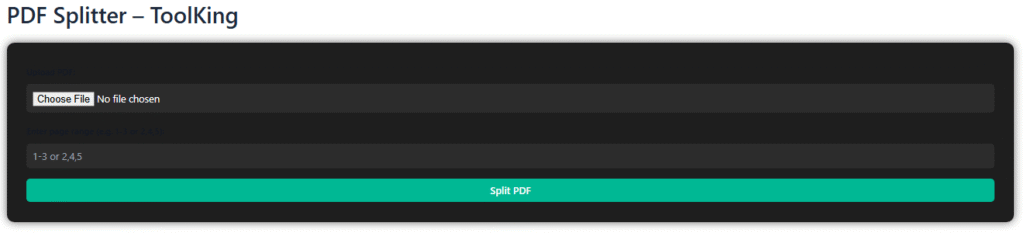
The PDF Splitter by ToolKing is 100% online and works directly in your browser — no need to install software or register for an account. Simply upload your PDF, enter the pages or page ranges you want to extract (like “1-3, 5, 7”), and our tool will instantly generate a new, downloadable PDF with only those pages. It supports custom page selection, so you can split by range, individual pages, or both. The entire process is handled client-side, meaning your files never leave your device. This ensures total privacy and data security while giving you full control over your documents.
The interface is designed to be fast, clean, and user-friendly. Even users with no technical background can split PDFs without confusion. We’ve also added subtle animations to enhance the user experience without affecting performance. The tool is optimized for both desktop and mobile users, so you can split PDF files from anywhere, anytime.
Unlike other free tools that watermark your documents or limit file sizes, ToolKing’s PDF Splitter is completely free to use—no hidden fees, no watermarks, and no limits. Whether you’re handling a few pages or working with large PDF documents, our tool delivers fast and accurate results every time.
ToolKing is committed to providing powerful online PDF tools that help users save time and increase productivity. With our PDF Splitter, you can organize your PDF files efficiently, extract only what you need, and streamline your document workflow in seconds